Google Search Console Adds Custom Annotations to Reports: A Complete Guide for SEO Experts

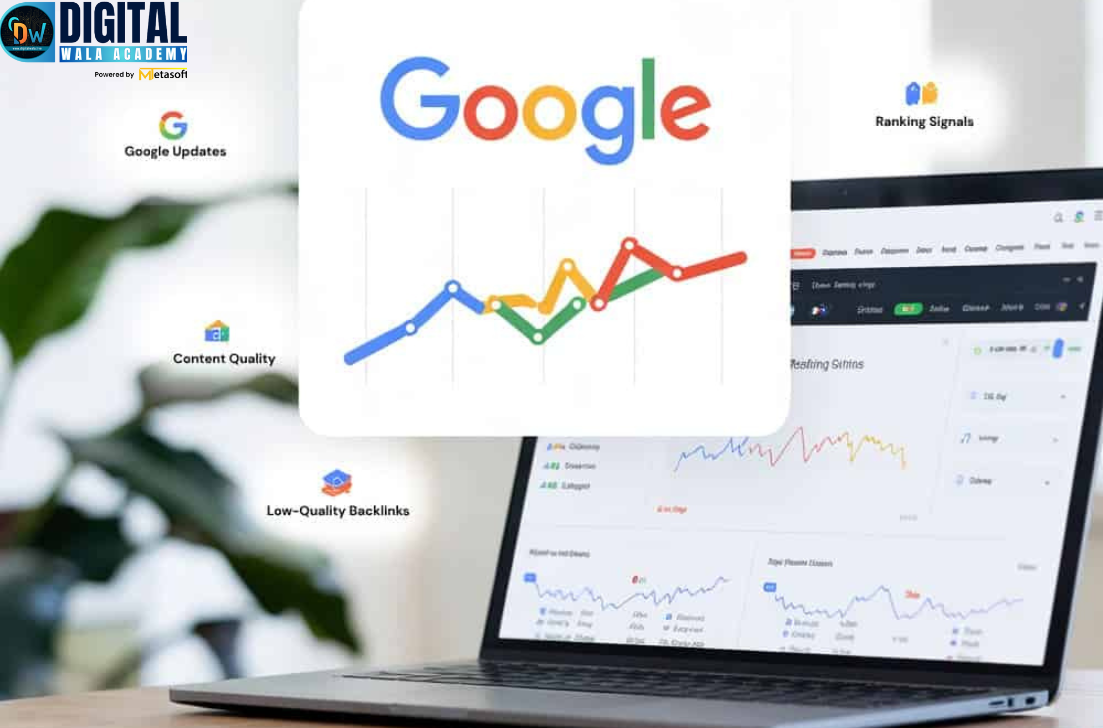
Google Search Console Adds Custom Annotations to Reports, introducing a powerful new feature designed to enhance visibility, accuracy, and context within SEO performance tracking. With this update, digital marketers, SEO professionals, and website owners can now insert manual notes directly inside performance graphs. As a result, it becomes much easier to understand fluctuations in rankings, clicks, impressions, and overall search analytics. Moreover, this improvement provides clear visibility into the causes behind performance shifts.This marks a major milestone for the SEO community, eliminating guesswork and improving data-driven decision-making across campaigns and website optimization.
In this comprehensive guide, we will cover:
- What the update means and how it works
- Why Google Search Console Adds Custom Annotations to Reports Matters for SEO Success
- How to use custom annotations with examples
- Key benefits for businesses, SEO analysts & digital marketers
- Best practices and EEAT-aligned usage strategies
- FAQs about this latest feature
What Are Custom Annotations in Google Search Console?
Additionally, custom annotations are manual notes that users can add inside Google Search Console performance reports to highlight events such as algorithm updates, technical fixes, content changes, and major campaign launches.
- Google Algorithm updates
- Website redesigns and migrations
- Content publishing or updates
- Technical SEO fixes and indexing issues
- Server downtime or hosting problems
- New backlink campaigns
- Seasonal marketing promotions or ad campaigns
Previously, SEO professionals manually tracked such updates in spreadsheets or external SEO tools. However, with this feature, Google Search Console adds custom annotations to reports, meaning notes can now be added directly inside the performance graphs.
Why Google Search Console Adds Custom Annotations to Reports Is a Game-Changer
When analyzing SEO data, the hardest task is understanding what caused sudden traffic increases or drops. Therefore, annotations help connect actions with outcomes, allowing stronger decision-making and more accurate reporting.
With custom annotations, users can visually map results against events, making data interpretation simple and accurate.
Key Advantages:
- Better historical insight
- Faster decision-making
- Reduced dependency on external tracking tools
- Streamlined SEO reporting for agencies & teams
- Practical evidence for client presentations
- Enhanced accuracy in performance audits
This update strengthens data storytelling, helping businesses make strategic and confident decisions.
How to Use Custom Annotations in Google Search Console (Step-by-Step)
Step 1: Log into Google Search Console
Open your website’s property and navigate to the Performance Report.
Step 2: Look for the Annotation Icon
Inside the metrics graph (clicks, impressions, CTR, ranking), click the Add Annotation icon.
Step 3: Add Your Custom Note
Enter the event name, date, and optional description.
Step 4: Save and Review
The annotation will appear as a small marked indicator on the performance chart.
Real Use Cases Where Custom Annotations Improve SEO Performance
Real Use Cases Where Custom Annotations Improve SEO Performance
| SEO Activity | Annotation Example |
|---|---|
| Content publishing | New Blog on Keyword Research Published |
| Algorithm update | Google Core Update — March 2025 |
| Technical improvement | Fixed Crawl Errors on Product Pages |
| Website redesign | New UI/UX deployed across category pages |
| Server downtime | Hosting outage for 2 hours — affected traffic |
| Bulk backlink campaign | 100 High DA backlinks acquired |
Real Use Cases Where Custom Annotations Improve SEO Performance
How This Feature Supports EEAT (Experience, Expertise, Authority, Trust)ExperienceAnnotations document real events and activities tied to performance improvement strategies.ExpertiseSEO experts can provide context-based explanations backed by recorded data.AuthoritativenessReports with annotations improve client confidence and support data-driven proof.TrustworthinessNo assumptions—decisions rely on transparent, traceable history.Benefits for SEO Agencies & BusinessesFor SEO Agencies
- Stronger client reporting
- Organized project management
- Reduced investigation time for fluctuations
For In-House Marketing Teams
- Team collaboration and shared knowledge
- Faster troubleshooting and implementation tracking
For Website Owners
- Better clarity without technical knowledge
Best Practices To Use Custom Annotations Effectively
- Add annotations every time major SEO actions are taken
- Document algorithm updates to compare ranking shifts
- Tag events clearly and professionally
- Add contextual notes for future reference
- Review annotations weekly or monthly
Frequently Asked Questions (FAQs)1. What does it mean that Google Search Console adds custom annotations to reports?It means users can now manually add notes to performance charts to track activities or events affecting SEO results.2. Is this feature available to everyone?Yes, Google has rolled it out globally for all Search Console users.3. How do annotations help with SEO?They reveal the reason behind ranking changes and improve strategic decisions with evidence.4. Can multiple users view annotations?Yes, team members with access to the property can view them.5. Do annotations impact ranking directly?No, annotations do not affect rankings—they help interpret performance better.ConclusionThe latest update, where Google Search Console adds custom annotations to reports, empowers SEO professionals to make smarter, data-driven decisions. It eliminates guesswork, simplifies reporting, and enhances transparency—setting a new benchmark for advanced SEO analytics.If you want to master modern SEO tools and learn how to apply these advanced features for real business results, join Metasoft AI’s professional training program and build a future-ready digital marketing career.Start Your Digital Marketing Training With DigitalWala Academy TodayBecome an expert in SEO, analytics, and marketing technologies.